Course Syllabus
- Computer Fundamentals: Learning about CPU, RAM, storage, and peripheral inputs like mice or keyboards.
- Operating Systems: Navigating interfaces like Microsoft Windows or macOS, creating folders, and managing files.
- Office Productivity Suite: Creating documents via Microsoft Word, managing data in Excel, and building PowerPoint presentations.
- Internet & Communication: Searching the web securely, sending professional emails, and using cloud storage.
- Digital Safety: Understanding basic cybersecurity, malware protection, and privacy best practices. [1, 2, 3, 4, 5]
💻 Where to Learn For Free
⏱️ Common Course Formats
- Short Crash Courses: Range from 1 to 12 hours of self-paced online video modules.
- Certification Programs: Feature 30 to 90 hours of structured coursework combining theory and practical assignments.
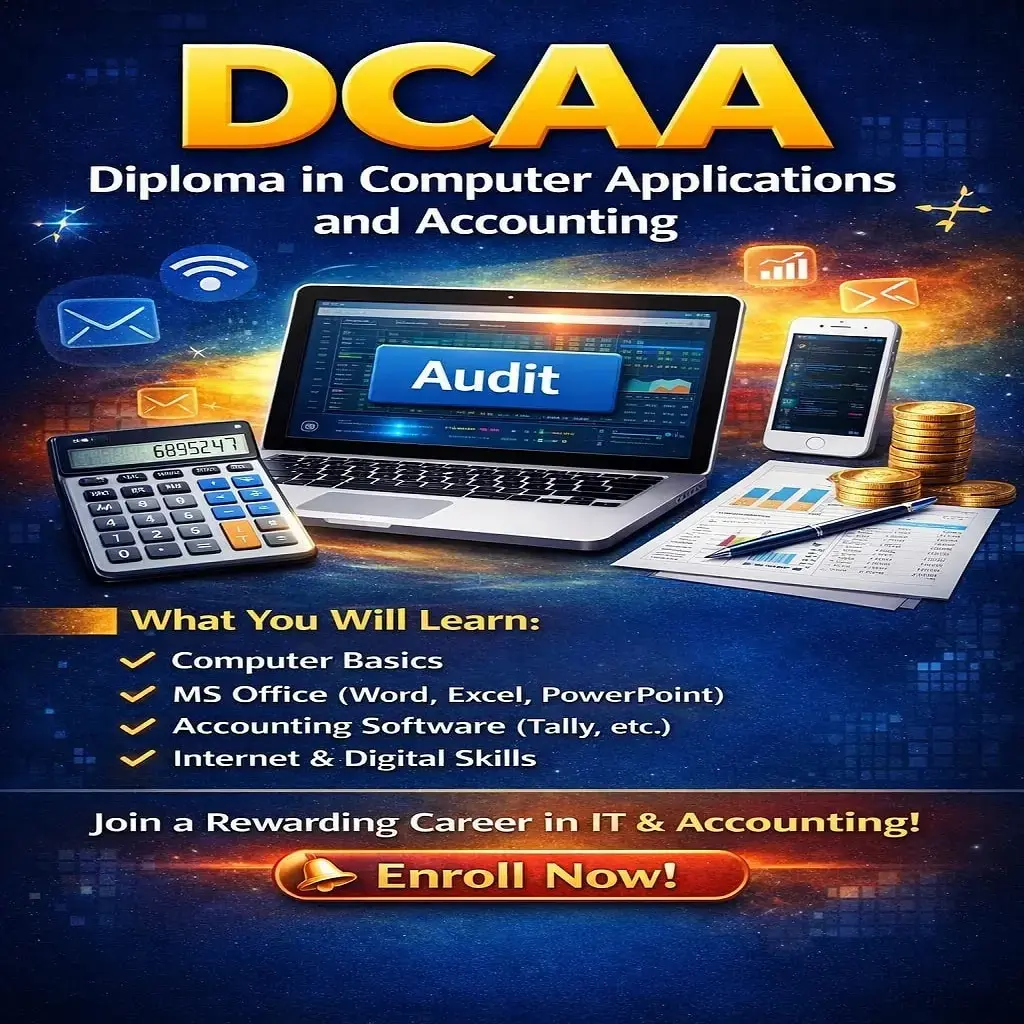
- Diploma Options: Formal 6-month choices like the Diploma in Computer Applications (DCA) or Desktop Publishing (DTP)
 Bestseller